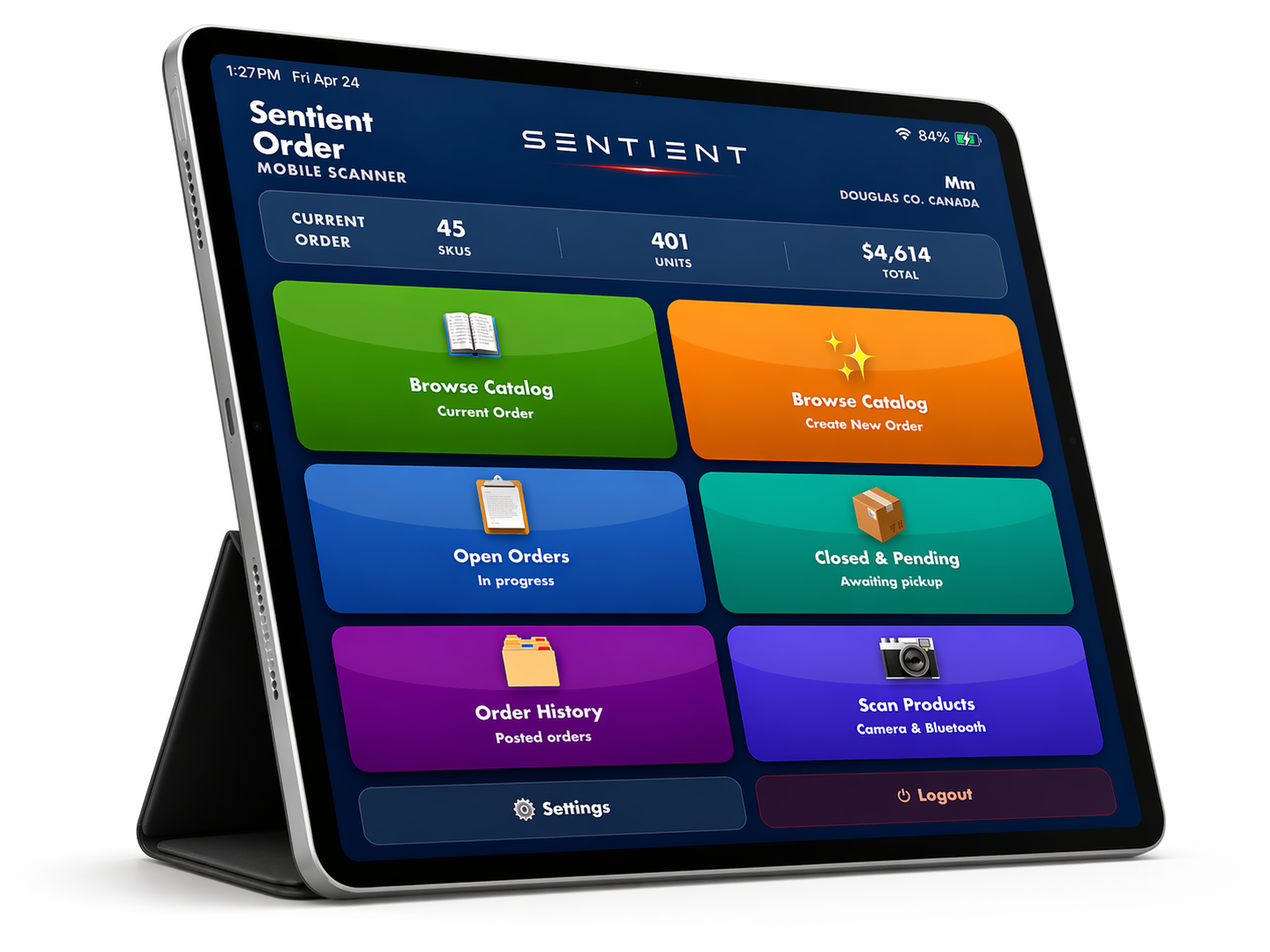
Welcome to SentientOrder
We detected a tablet or wide touch screen.
How would you like to use this device today?
📱
Mobile
Touch-optimised layout with barcode scanner & quick-order
🖥️
Desktop
Full desktop interface with all management features

ℹ️

Information

Message goes here
0

Screen Size Optimization

Single Reports


Current browser size: -- x --

Your browser window must be at least 1500 × 720 to work properly with the Sentient system. You must first resize the window to at least 1500 × 720 (or greater) before you can login. This can quickly be done as follows:

On Windows, press CTRL+ (the CRTL key and the plus key) to increase the magnification, and CTRL- (the CTRL key and the minus key) to decrease the magnification. On Mac, press Command+ (the Command key and the plus key) to increase the magnification, and Command- (the Command key and the minus key) to decrease the magnification.

Adjust the browser zoom until the green icons above are centered (left / right) in the "Single Reports" box or the RED box. If they do not perfectly align, then the icons should appear to the left of the "Single Reports" box.

The red circle in the upper right will turn green once the minimum browser size has been reached.

Login

Inquire About Becoming a Dealer

Screen Size Optimization

Single Reports


Your computer screen needs to be optimized to work perfectly with the Sentient system.
Press the CTRL+ and CTRL- keys on your keyboard to center the green icons in the "Single Reports" box.
If they do not align perfectly then the icons should appear to the left of the red box.